Tails 7.10 was released on July 23, 2026 with a small set of changes that affect everyday use: a safer shutdown flow, a different default video player, a newer Tor Browser, and refreshed firmware packages. None of these features changes the basic purpose of Tails, but two of them remove practical sources of frustration and avoidable data loss.
The release is also a useful reminder that a privacy-focused operating system still needs regular updates. Tails combines many components, including the Linux kernel, Tor Browser, desktop software, and hardware firmware. Keeping the live USB current matters more than the version number printed in an old tutorial.
A slower shutdown is intended to protect unsaved work
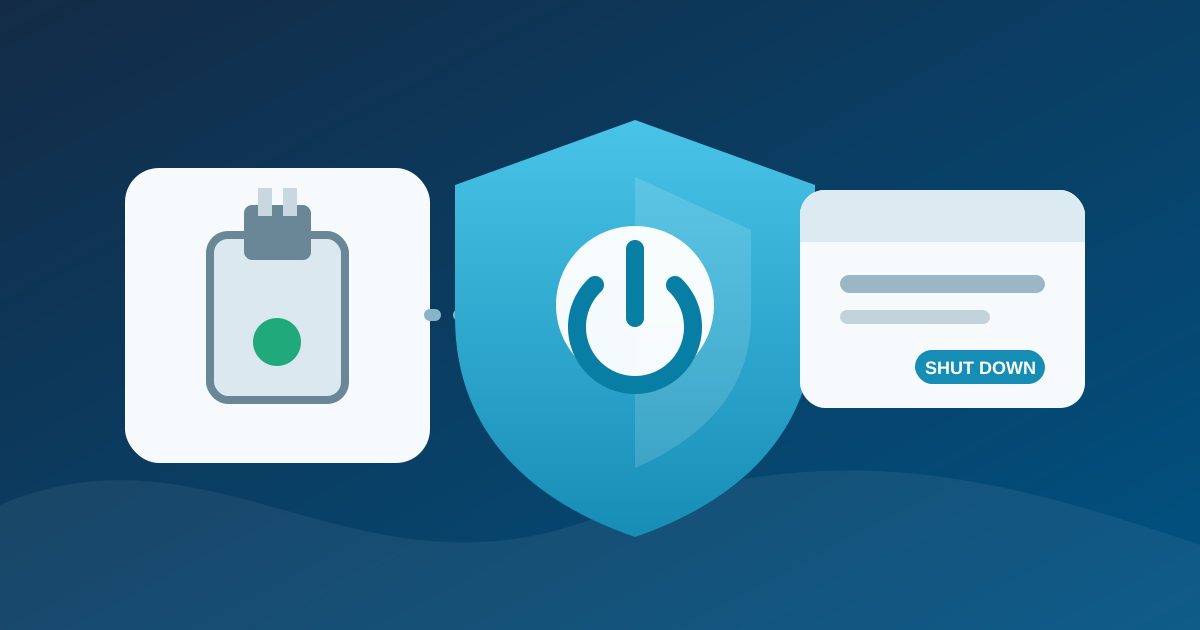
Tails now uses GNOME’s standard shutdown procedure. When an application still has work to save or needs to close cleanly, the power-off dialog can tell the user before the system stops. If nobody responds, shutdown continues after 60 seconds.
That is slower than the previous normal procedure, but it reduces the chance of losing an open document or interrupting an application at the wrong moment. The fast emergency shutdown remains available. Tails documents removing the boot USB or ejecting the DVD as an emergency action, not as the routine way to finish a session.
The distinction is particularly important when using Persistent Storage. Tails is designed so that ordinary session data disappears after shutdown, but selected files and settings can be retained in encrypted storage. A warning about an unsaved document can therefore prevent a user from assuming that important work has already reached that persistent area.
Celluloid replaces GNOME Videos
Tails 7.10 replaces GNOME Videos with Celluloid as its default local video player. The project describes Celluloid as more modern and reliable. In the Tails configuration, it is not allowed to access the network.
That network restriction is deliberate. A local media player should not silently create a direct connection that bypasses the privacy model a Tails user expects. For a video file hosted online, the project recommends opening it through Tor Browser. For streaming addresses such as IPTV or HLS links, users can install VLC through the Additional Software feature.
There is one compatibility caveat: the release notes say Celluloid may not work on some computers from 2011 or earlier. VLC remains the suggested fallback on those systems. This is a practical limitation rather than a reason to stay on an old Tails release.
Tor Browser and hardware support also move forward
The bundled Tor Browser is updated to version 15.0.19. Tails also refreshes firmware packages to improve support for newer graphics and Wi-Fi hardware. The project’s changelog contains the lower-level package details, while the release notes focus on the user-visible changes.
Older VPN Expert posts about Tor Browser 11.5 and Tails 5.1 remain useful as historical release coverage, but their version-specific instructions should not be read as current download advice. Tails and Tor Browser have both moved several major releases beyond them.
How to upgrade without erasing Persistent Storage
Automatic upgrades to Tails 7.10 are available from Tails 7.0 or later. If an automatic upgrade is unavailable or the USB stick no longer starts correctly afterward, the official manual-upgrade instructions are the right next step.
Do not confuse an upgrade with a fresh installation. The Tails project explicitly warns that installing onto the USB stick instead of upgrading it erases the Persistent Storage on that stick. Before changing a working device, confirm which workflow you are following and make a separate backup of any irreplaceable persistent files.
- Start the existing Tails USB and use the supported automatic upgrade when it is offered.
- If that path fails, follow the official manual-upgrade guide for the operating system you are using to prepare the update.
- Verify that the updated USB starts and that expected Persistent Storage features unlock correctly.
- Only then retire any backup device or copy made before the upgrade.
Who should install Tails 7.10?
Anyone actively using Tails should plan to move to a supported current release instead of remaining on a 7.x point version indefinitely. For users already on Tails 7.0 or newer, 7.10 provides the normal automatic route and brings worthwhile usability improvements.
The shutdown dialog will be the most visible change. Celluloid’s network isolation is less obvious but equally aligned with the system’s purpose. Together, the changes make routine sessions a little harder to mishandle without pretending that one update can replace careful operational security.