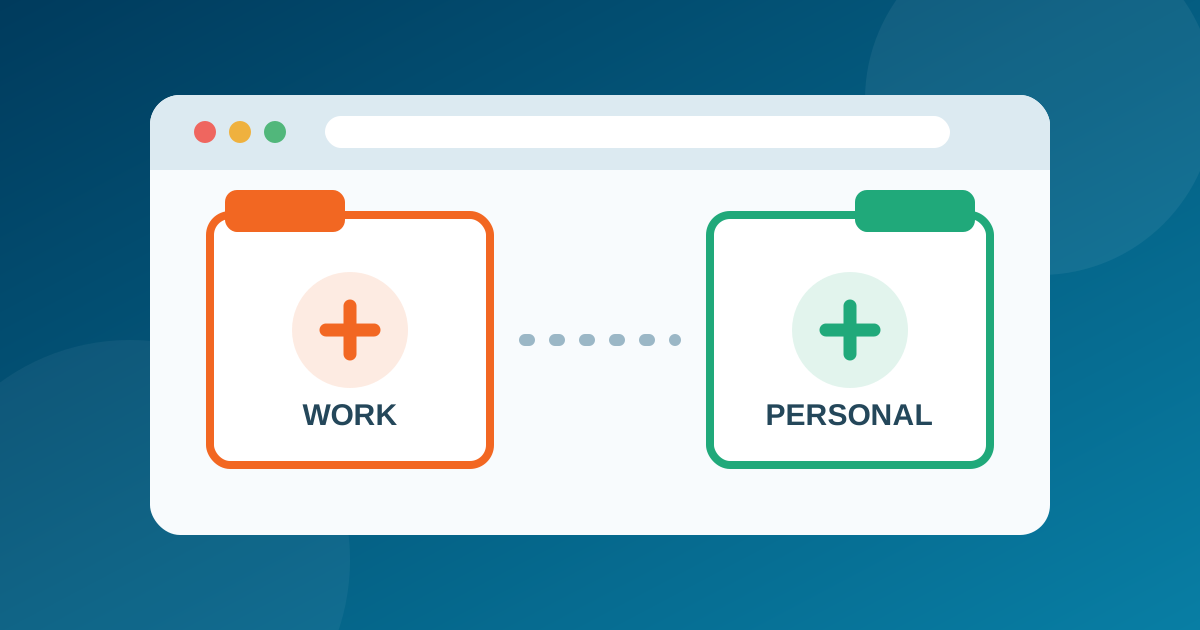
Brave has added built-in Containers to its desktop browser. The feature arrived with Brave 1.92 on July 2, 2026 and gives users a straightforward way to keep different sign-ins apart without installing an extension or opening a completely separate browser profile.
That is useful if you regularly switch between work and personal accounts, manage several customer logins, or test a website as different users. It also deserves a precise explanation: Containers separate browser storage, but they do not replace a VPN and they do not make a browsing session anonymous.
What Brave added in version 1.92
Each Container gets its own cookies and site storage. A tab opened in one Container therefore does not automatically share that state with a tab outside it—even if both tabs visit the same website. You can, for example, remain signed into two accounts on one service at the same time.
Brave says Containers are built into version 1.92 on Windows, macOS, and Linux. The company initially rolled the feature out in phases, so an updated browser could receive it slightly later than another installation. The feature is a desktop addition; Brave’s announcement does not promise the same workflow on Android or iOS.
This is a different feature from the vertical tabs added to Brave in 2023. Vertical tabs change how tabs are displayed. Containers change which cookies and storage those tabs can use.
Containers are useful, but they are not a VPN
Brave already partitions website storage to reduce cross-site tracking. The company consequently describes Containers mainly as a convenience and identity-management tool: they let a person present different sessions to the same site. That distinction matters.
A Container does not change your public IP address, encrypt traffic outside the browser, or hide activity from the network carrying it. Websites can still receive the connection details and browser signals that are available in a normal Brave session. If your goal is to protect traffic on an untrusted network or change the network endpoint seen by a site, that is a separate job for a reputable VPN. Our VPN explainer covers what that technology actually does.
Containers also should not be treated as a complete solution for high-risk identity separation. Browser settings, extensions, downloads, and other profile-level data can still overlap. Separate browser profiles—or, for stronger isolation, separate operating-system accounts or devices—remain more appropriate when a mistake would have serious consequences.
Where the new feature is genuinely helpful
- Multiple accounts: keep personal and business email or social accounts signed in at the same time.
- Work and personal browsing: reduce accidental cross-login between two roles on the same service.
- Web development: test administrator and ordinary-user views side by side.
- Shopping or research: keep a temporary session separate from the account you normally use.
- Shared computers: add a useful boundary between sessions, while remembering that a separate operating-system account is safer for truly separate users.
The benefit is as much about avoiding mistakes as it is about privacy. A clearly named and colored Container can make it obvious which identity a tab is using before you post, purchase, or change an account setting.
How to enable Containers in Brave
On an updated desktop installation, open brave://settings/braveContent and enable Containers. You can then right-click a tab, choose Open in container, and select or create the appropriate category. Brave’s default examples include Personal, Work, Social, and School, but the labels can be adapted to your own workflow.
If the setting is not visible, first check that Brave is current. Because the initial rollout was phased, the feature may also need time to reach a particular installation. Installing an unrelated extension or changing experimental flags is not necessary for the supported release.
Should current Brave users switch it on?
Containers are worth enabling if you frequently juggle identities on the same websites. They solve a real usability problem and can reduce accidental account mixing. People who use only one account per service may see little benefit and can leave the option disabled.
The most important takeaway is to use the feature for the boundary it actually creates: separate cookie jars and site storage. Combine it with normal browser updates, careful extension choices, and the broader privacy practices in our guide to protecting your privacy online. That gives Containers a useful place in a layered setup without turning them into something they are not.